
Alley Installation
Spotted a couple of people putting up some sort of art piece in the Leftbank Alley so clicked off this shot.
Went back the next day to see what it was but it was pretty much destroyed.
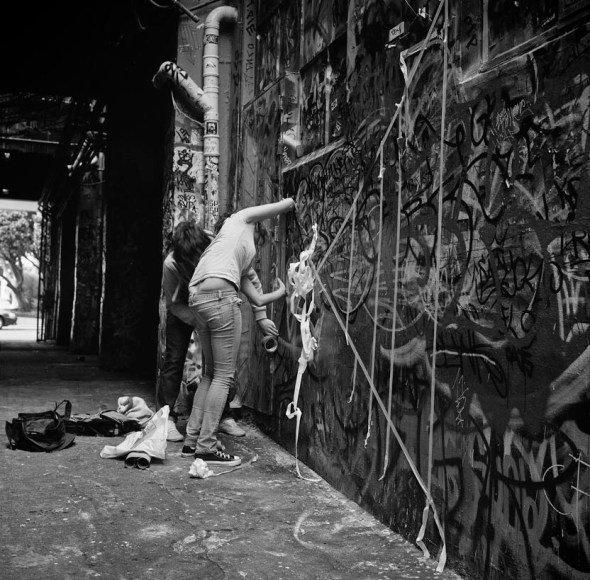
Rolleiflex 2.8 E, Fuji Neopan 400 ISO Film
How It Was Done: Smokin Grater
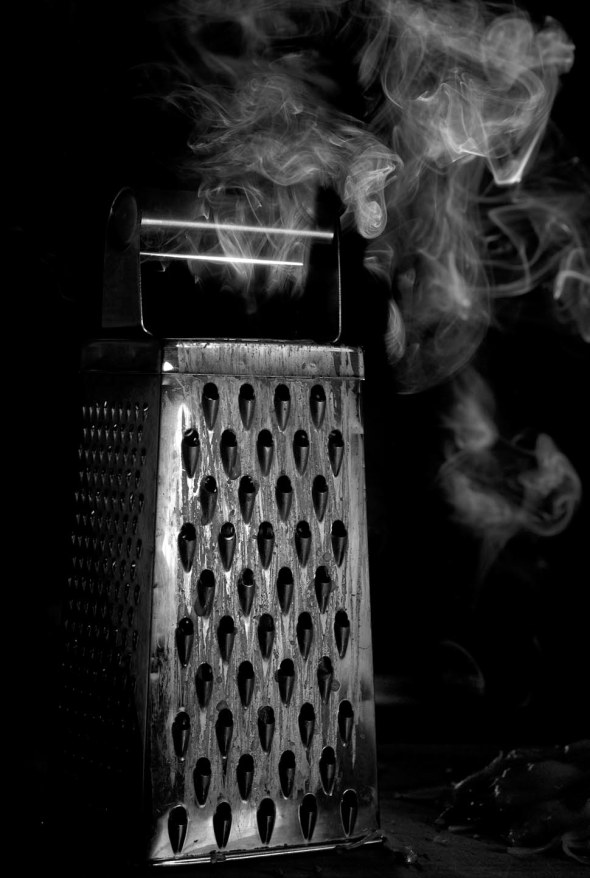
Here goes another how it was done post, this time on my Photo5 entry I called “Smokin Grater”. The finalists are announced today sometime and then the other contestants vote on who they think should win. There are about 8000 entries so I’m not holding out too much hope of being a finalist… but you never know 🙂
For those of you who missed it here goes the image I submitted.
So the brief was as follows:
Incense/Black and White
This is a moody brief. Use smoke from the incense to create ambience and atmosphere in a black and white photo. It’s not just about shooting smoke, but capturing the essence of black and white photography in a dramatic way.
Once again this seems simple enough:
Thanks to my new scanner I can now show you my pre shoot thoughts 🙂
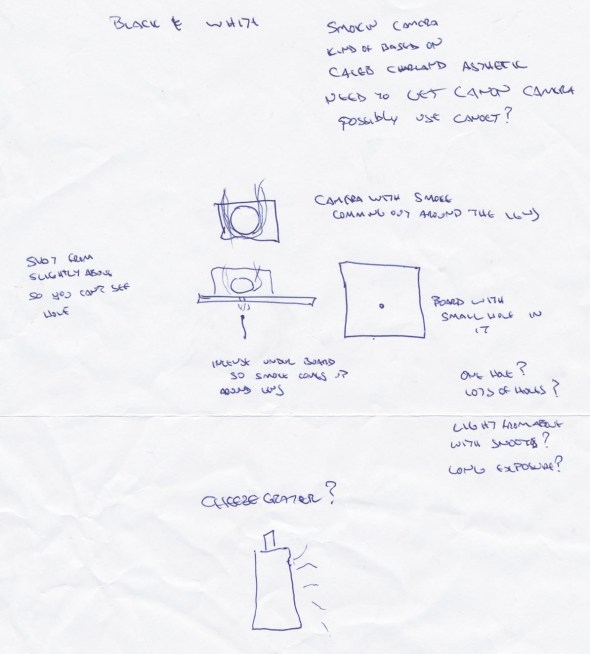
So the original idea was to sit a camera on a board with the lens above a hole and let the smoke rise up and around the lens. Taken from a slightly high angle where you couldn’t see the hole it would like the camera was smoking.. I also had plans to throw a stack of photos so it looked like they were exploding out of the back of the camera…
Anyway after a bit more thought I thought it would be more amusing to use a cheese grater and make it look like it was smoking due to over grating…
I really like the aesthetic of photographer Caleb Charland and wanted to try to emulate his clean images (turns out it’s really really hard to make images look as clean as his 🙂 )
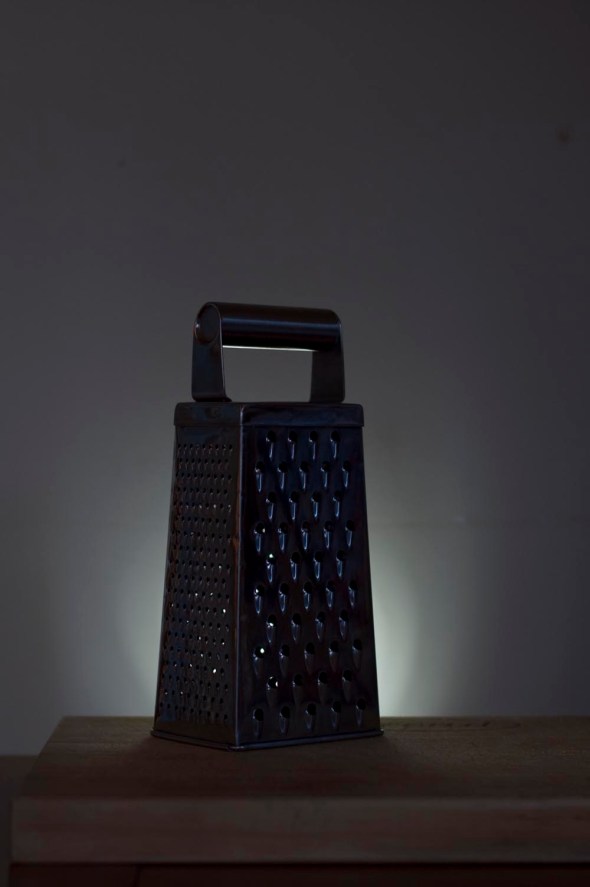
So the idea was to use a long exposure to give a very hazy smoke presence…
I put a snoot on a speedlight and placed it under the table and had another speedlight bouncing off the ceiling.
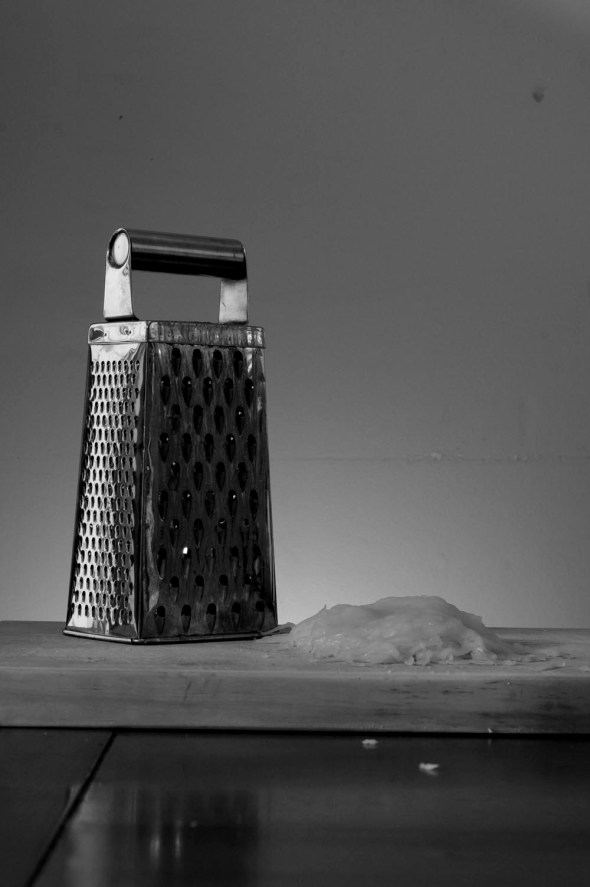 After adding a pile of melted cheese (which ended up being melted by a fan heater after all else failed) I started playing around with the incense to see what kind of smoke effect I would get… About an hour later there was still no sign of smoke and I was starting to get a bit frustrated….Grrrr…
About now I throw my hands up in despair and walk away and go have a shower…
When I come back I decide to scrap what I have done and start again.
I decided to use a black background and a light globe on one of my speedlights and see what happens.
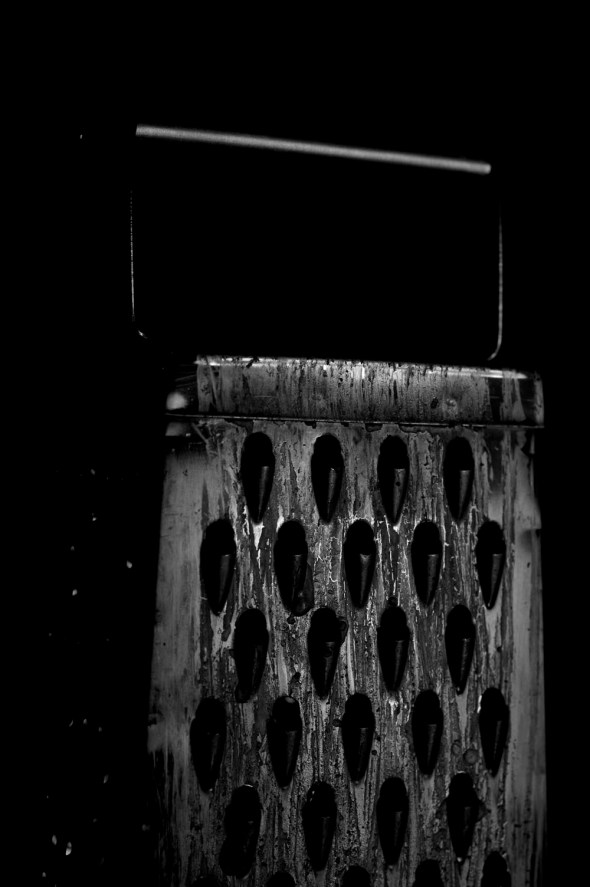 This was the first shot off the camera after setting things up… at this point things are looking up 🙂
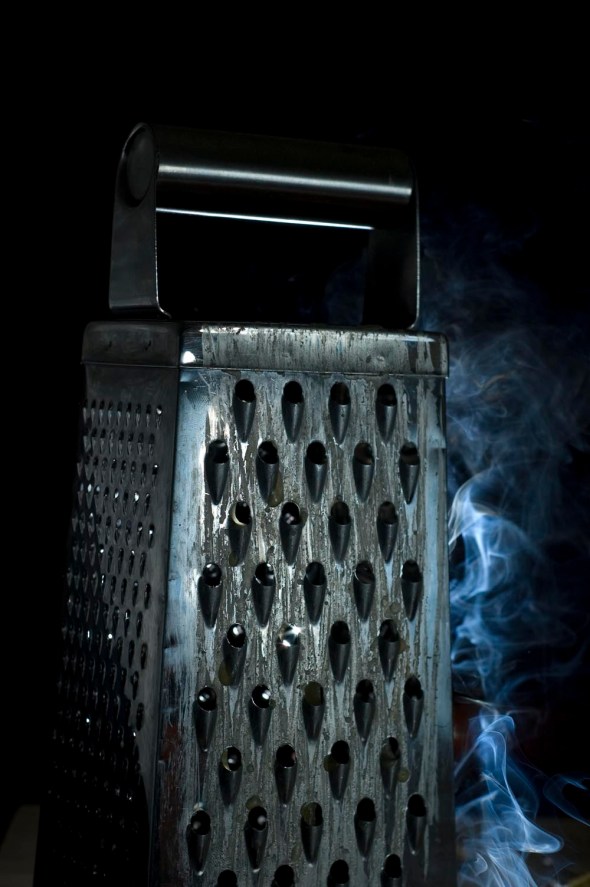 So now its time to add some smoke and a snooted speedlight behind to highlight it with a silver bounce off to the left to reflect a bit of light back onto the grater.
This is how the setup looked at this point:
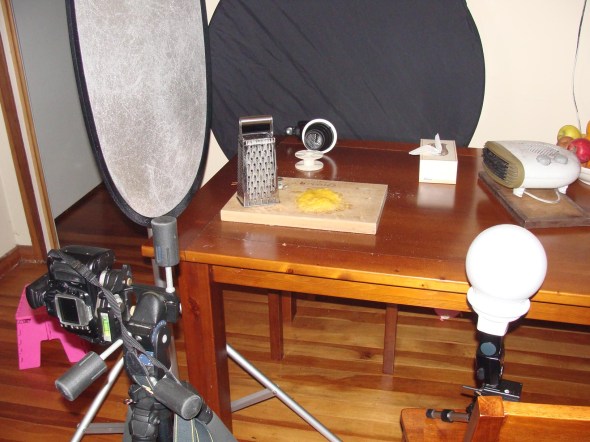 Again my studio is Soooo high-tech… 🙂
After quite a bit of playing around I found the best way to show smoke up is to backlight it… It was a lesson hard learned and if I had known this previous it would have saved me many an hour 🙂
A slight re-jigging of the composition and …
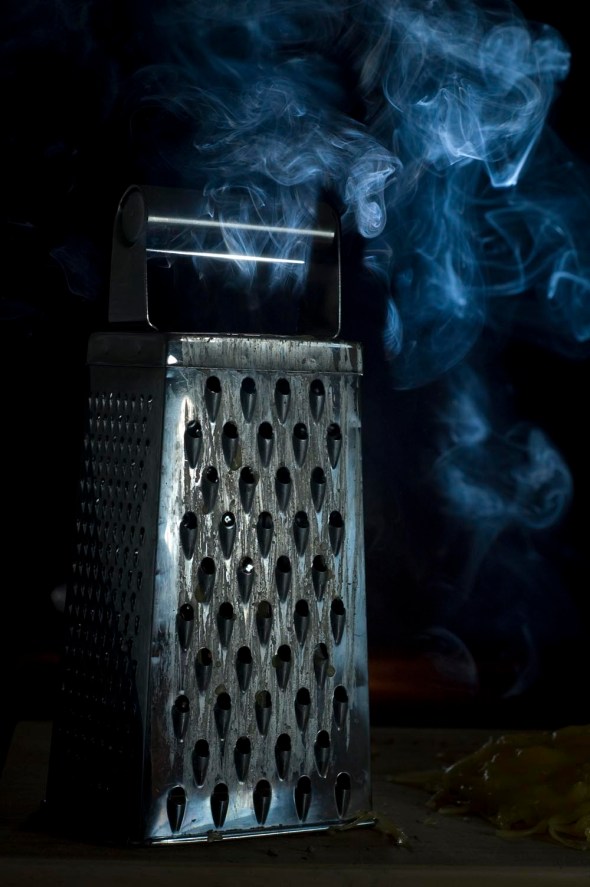 Image straight off the camera with no processing
Processed to Black and White using Adobe Lightroom with a bit of retouching in Photoshop to take out the hotspots from the incense inside the grater.
Nikon D70s, 50mm f1.8 Lens, ISO 200. SB24 Speedlight with Globe and SB80DX with Snoot. Black reflector as backdrop and Silver reflector as bounce.
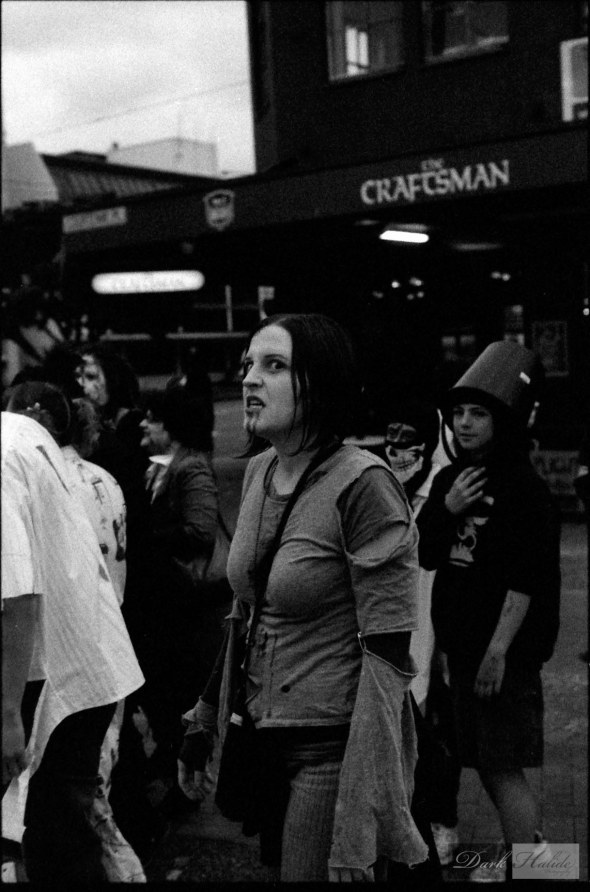
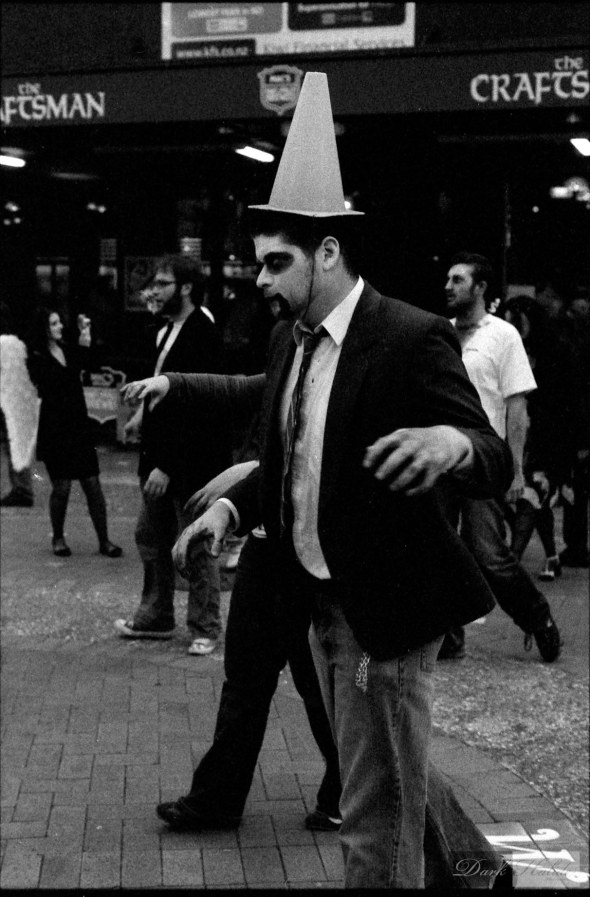
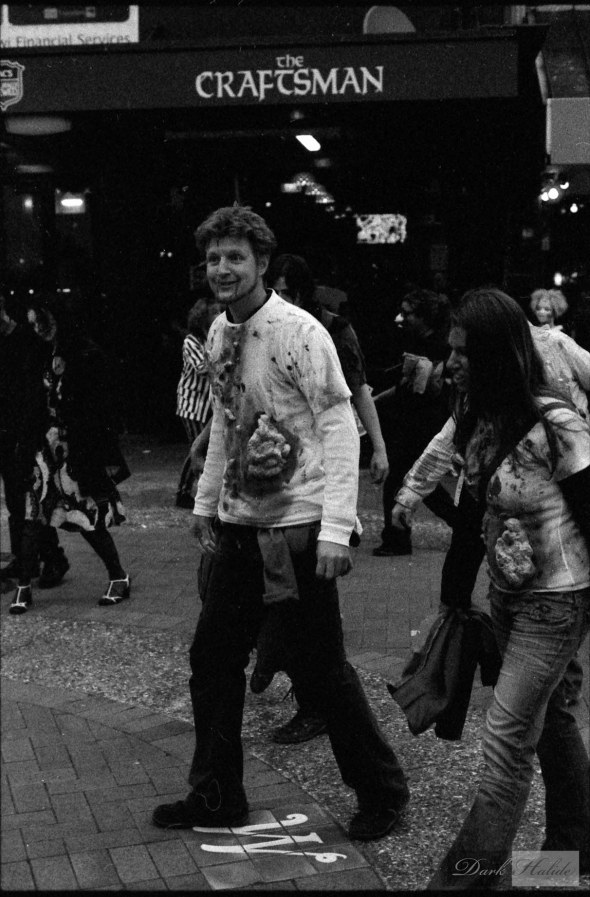
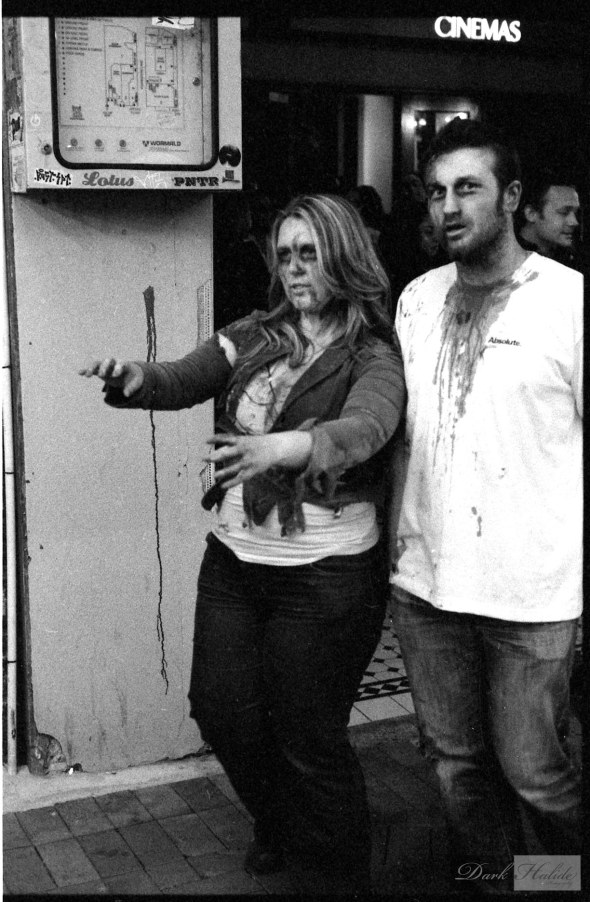
Last Lot of Photos From Wellington Zombie Walk… Promise
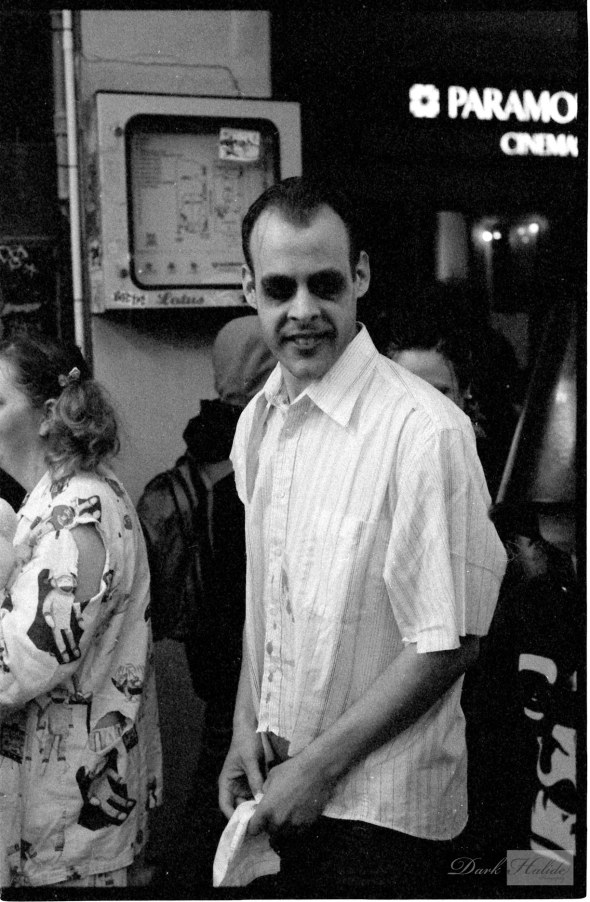
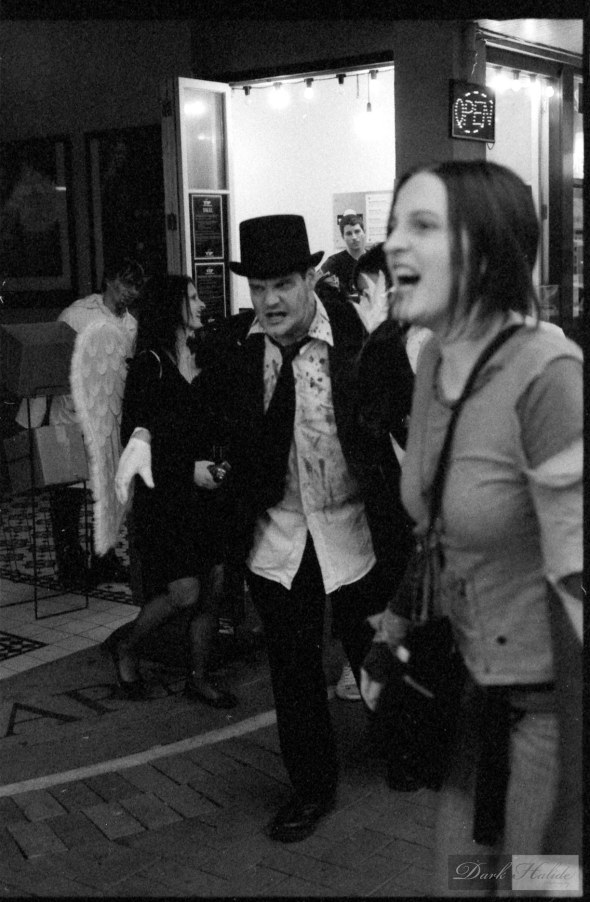
This is the last series of images from the Zombie Walk on the 30th.
Shot these ones on the Rollei and have left the scans pretty raw and dusty because it kinda suits the theme…


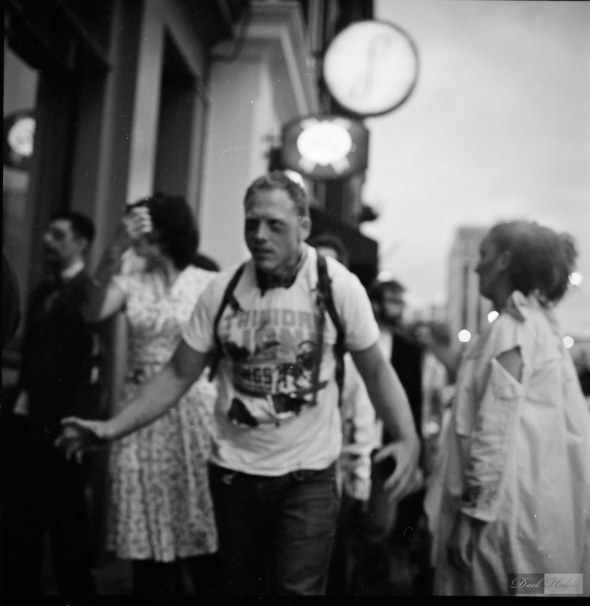

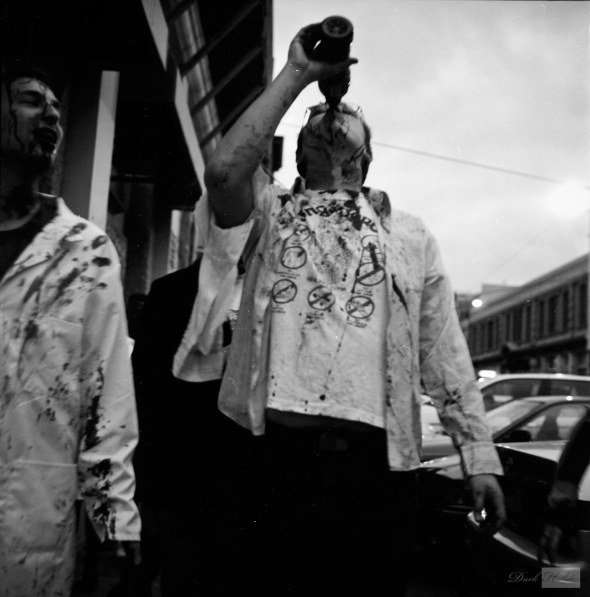
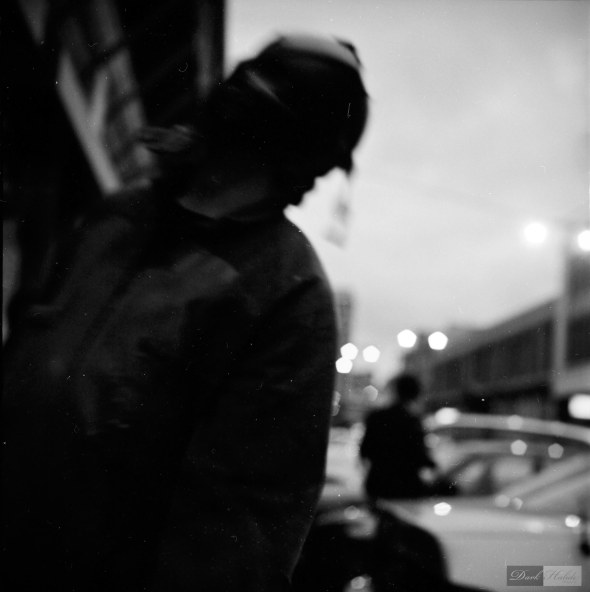

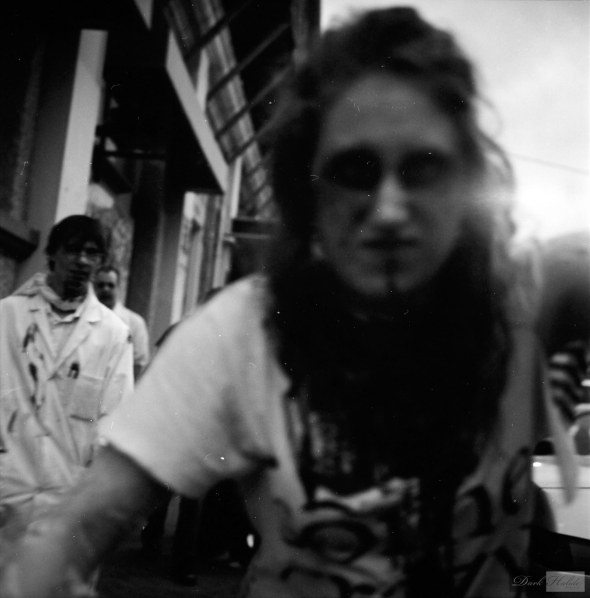

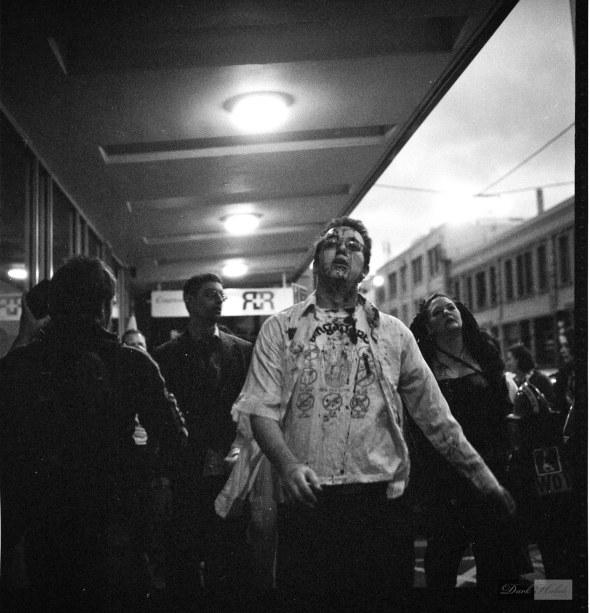
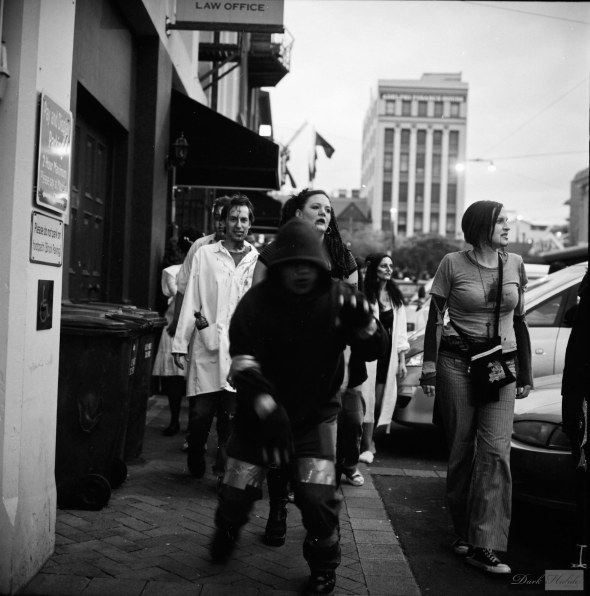
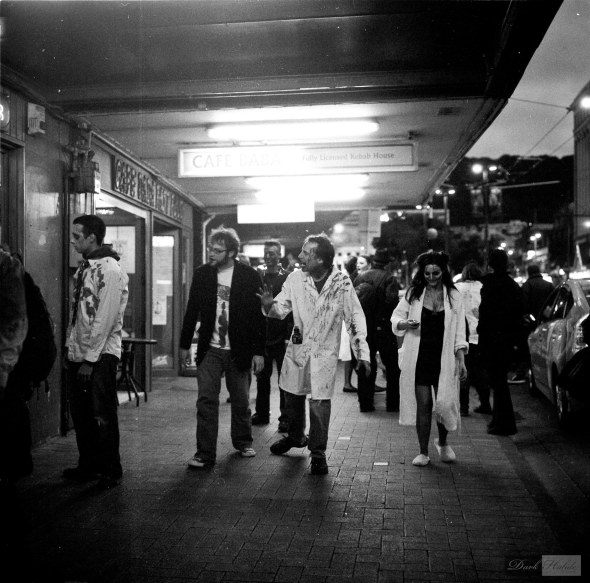
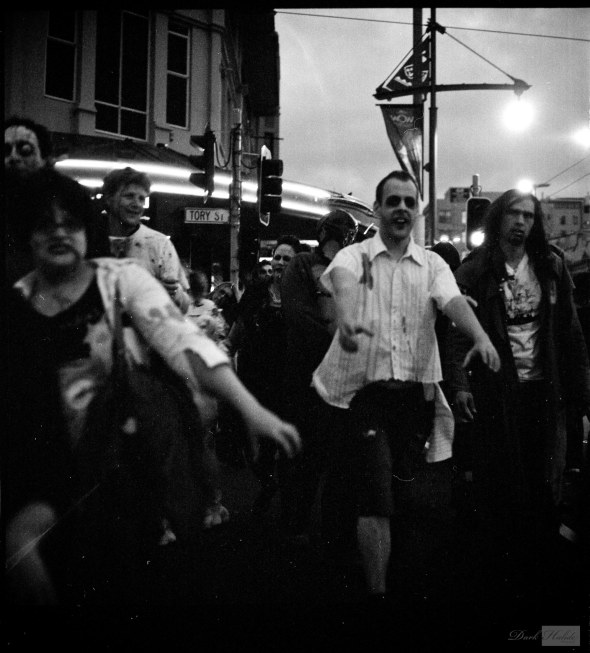

Rolleiflex 2.8 E, Fuji Neopan 400 pushed to 800 and Ilford Delta 3200 Films.
More From Wellington Zombie Walk 2010
More zombies…
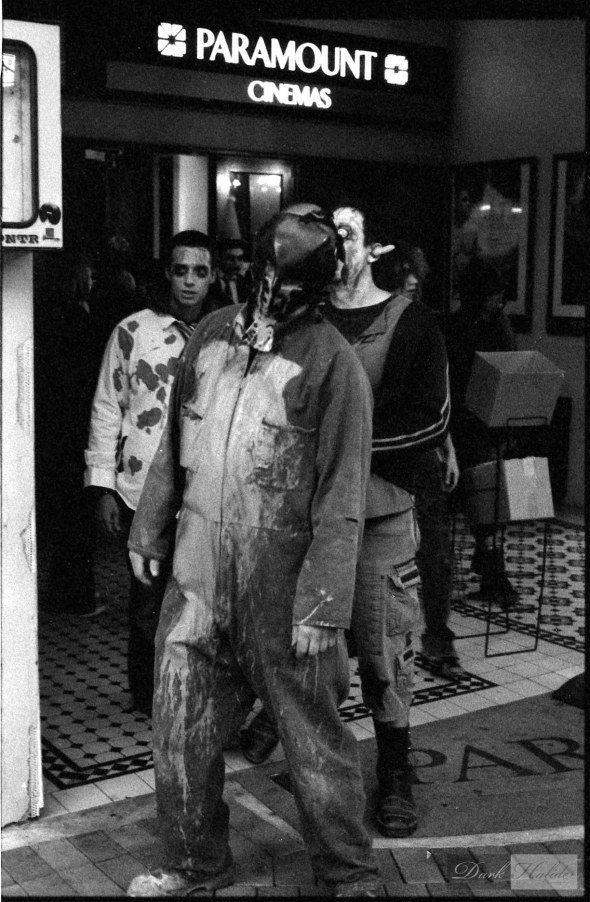
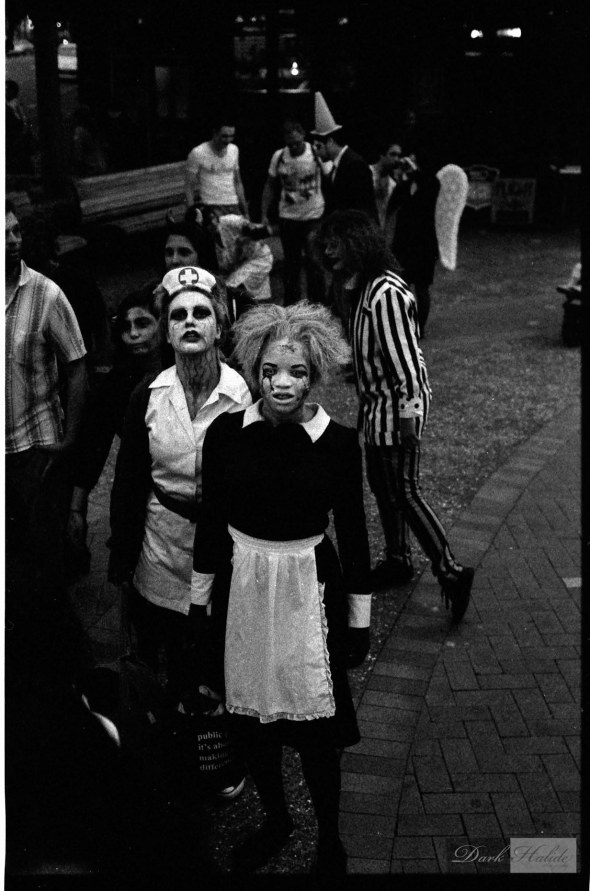
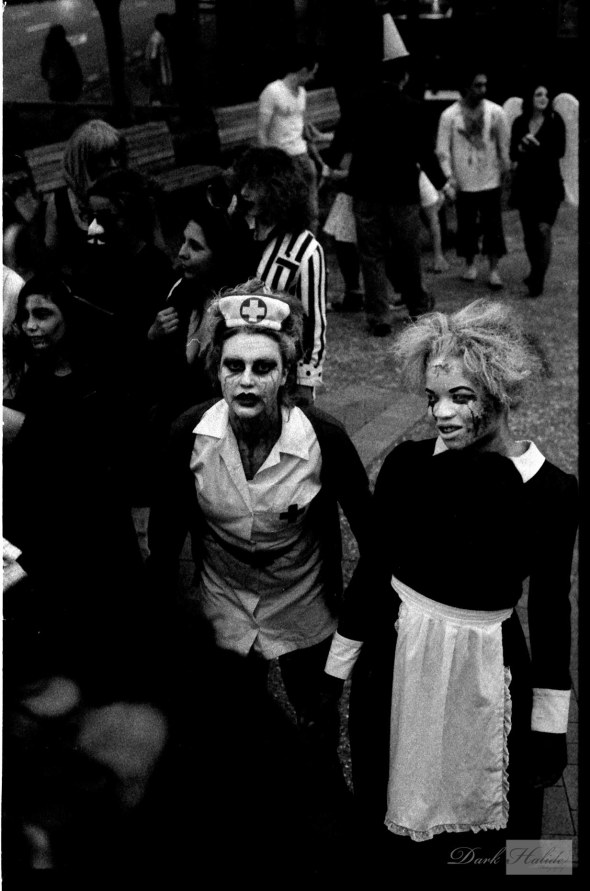


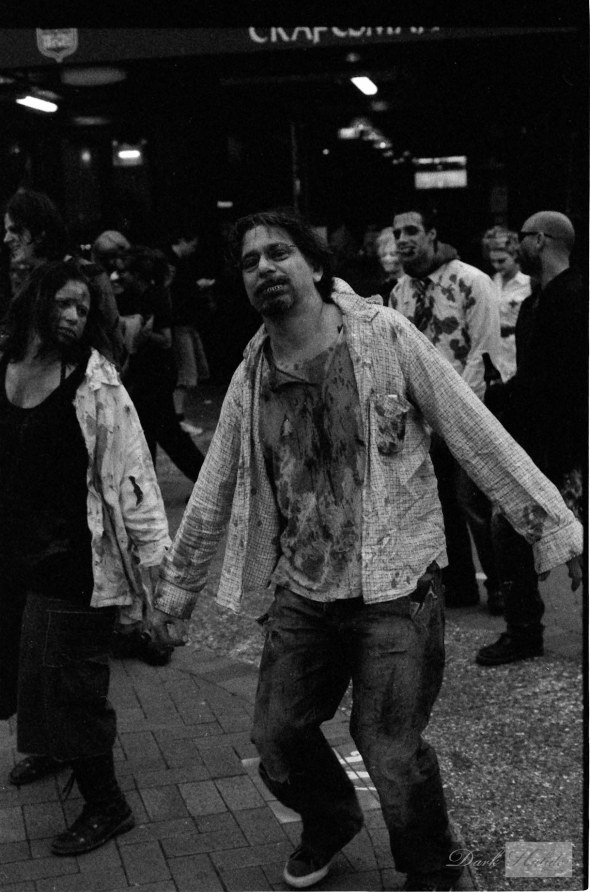
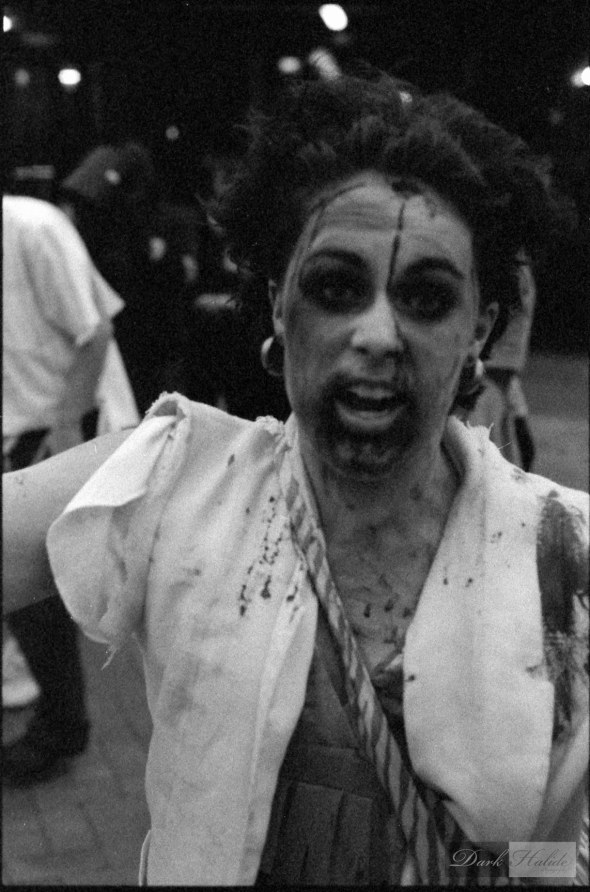
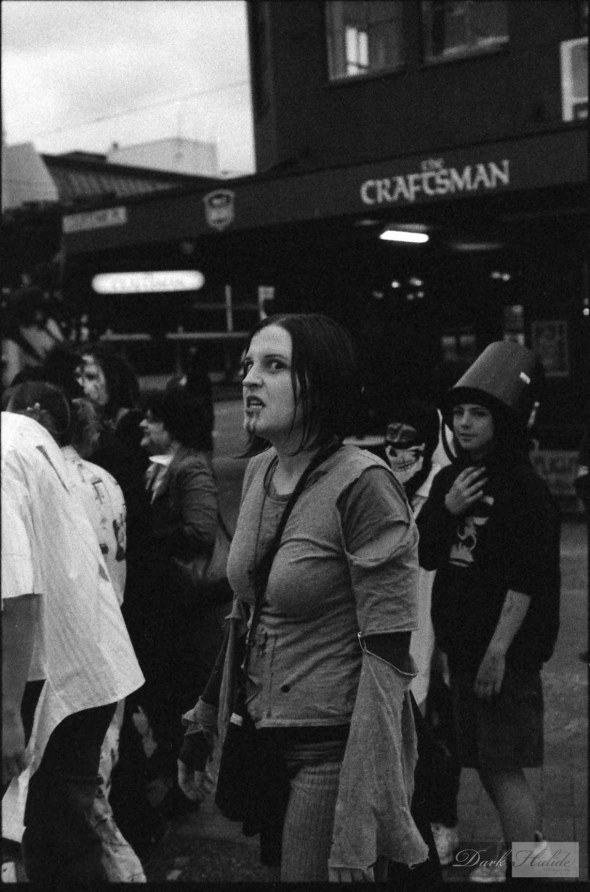


Nikon F5, 50mm f1.8 Lens, Ilford Delta 3200 ISO Film
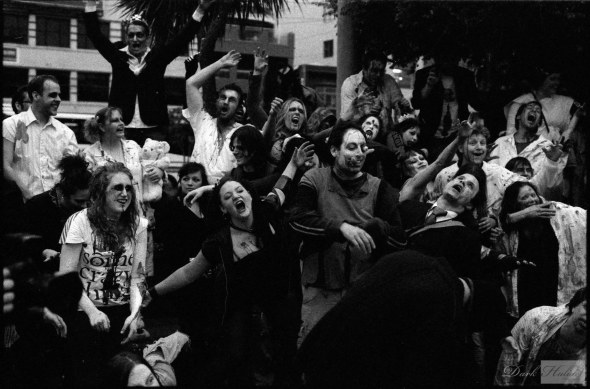




Fundraising and Zombies
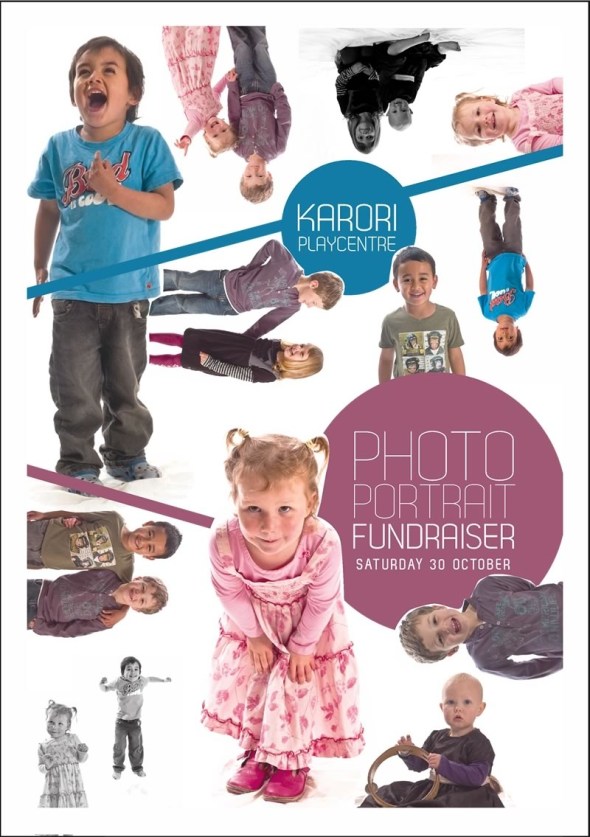
Took the day off work yesterday to do a fundraising photo shoot for my local Playcentre (its kinda a parent run pre school centre)
This was the flyer we did a pre-shoot for a couple of weeks back that was designed by one of the other dads.
Since my lights weren’t really up to the task of running all day we had to borrow some from local photographer Adrian Heke who lent us a set of Hensel 1000Ws… Cheers Adrian!
So basically we shot family portraits from 9am til about 4pm (we did have a bit of a break in the middle)…. So needless to say it was a pretty long day, not to mention the just under 2000 images I still have to edit and post produce 🙂
And then if I wasnt tired enough already I went and hung out with a whole bunch of Zombies on a Zombie walk for a couple of hours… the press guys who I am starting to get to know a bit better still find it amusing that I am shooting film and lets just say the Rollei isn’t built for speed but put my first roll of 3200 ISO film through it so will see how it comes out.
I think I currently have a backlog of 5 x 120 films and 1 x 35mm film to develop so hopefully I will get a chance to do them soon.
PSP Action?
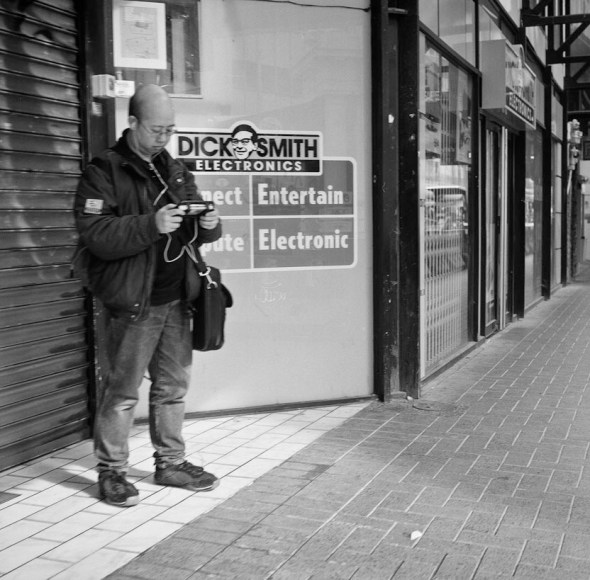 Rolleiflex 2.8 E, Fuji Neopan 400 ISO Film.
More Scanner Action: Cemetery Panos
Still playing around with the new scanner and finally getting to scan some stuff which I havent been able to scan properly before like these cemetery shots from a Noblex Swing Lens camera.
I have to say that I am a little bit disappointed with the scanner in the fact it’s not really resolving the grain as much as I would like… maybe it just needs some tweaking and more experimentation… other than that its a really kick ass piece of kit! Scanning black and white as 16 bit image rocks!
All these image were taken just after the sun went down using Delta 3200 ISO film which makes them look a bit ethereal with no shadows.
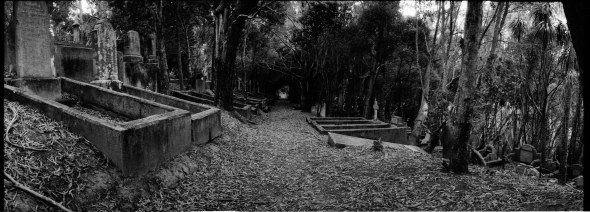
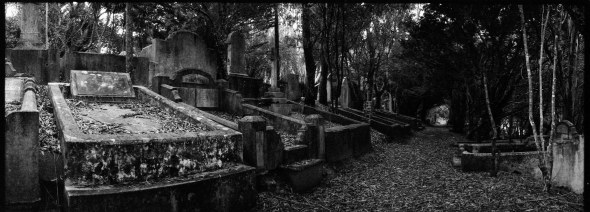
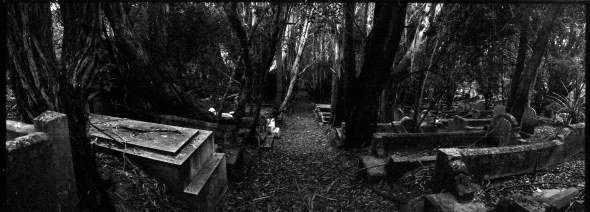
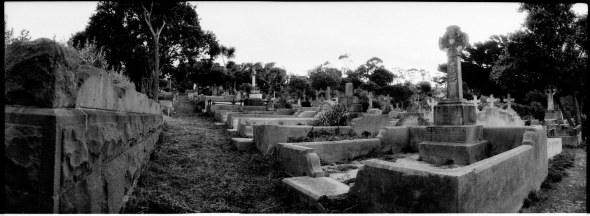
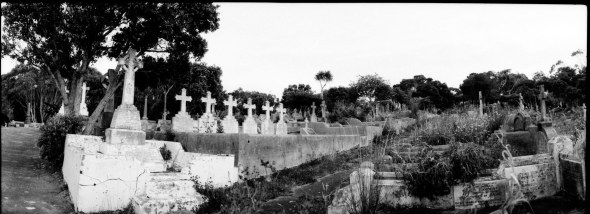 Noblex 135U Camera, Ilford Delta 3200 ISO Film.
Just Uploaded 3 Photo5 Competition Entries
finally got round to uploading some of my Canon Photo5 Entries.
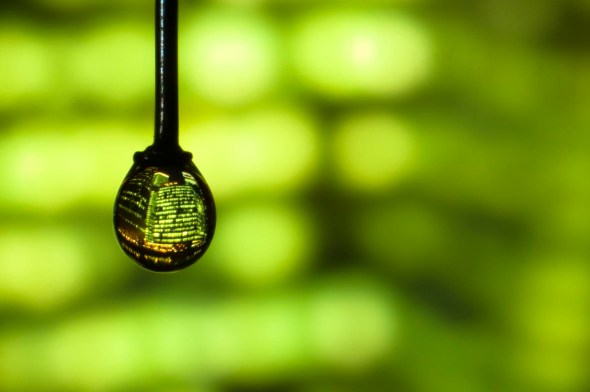
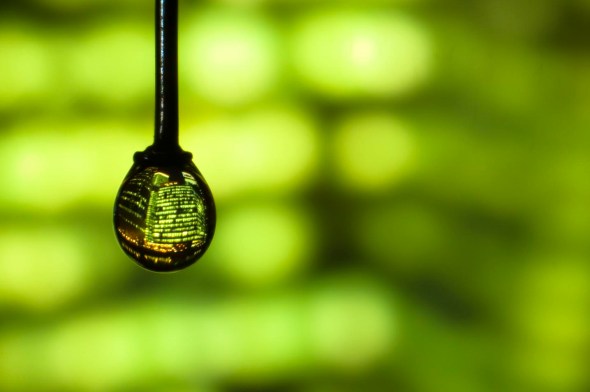 Single drop of water with a picture of a cityscape inside it hanging from the head of a pin.
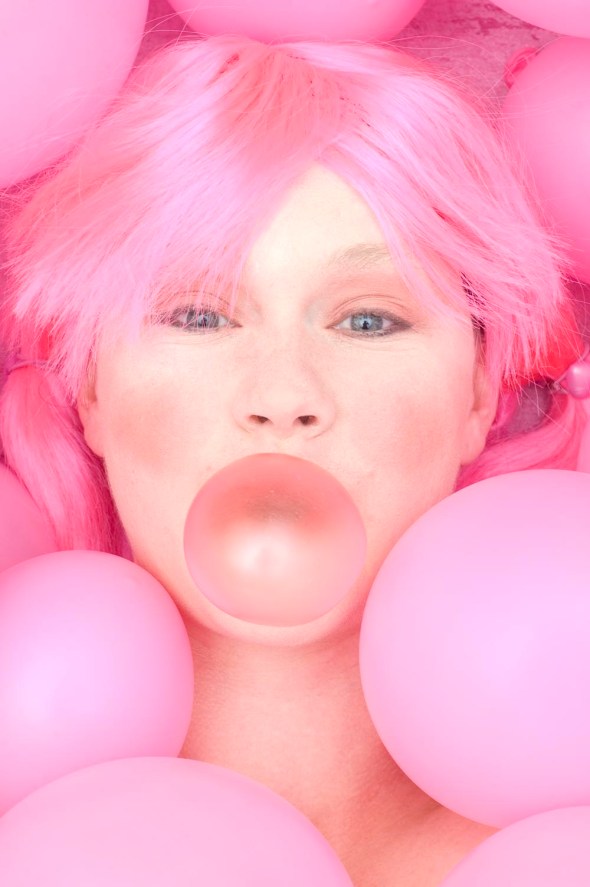 Bubblegum Portrait
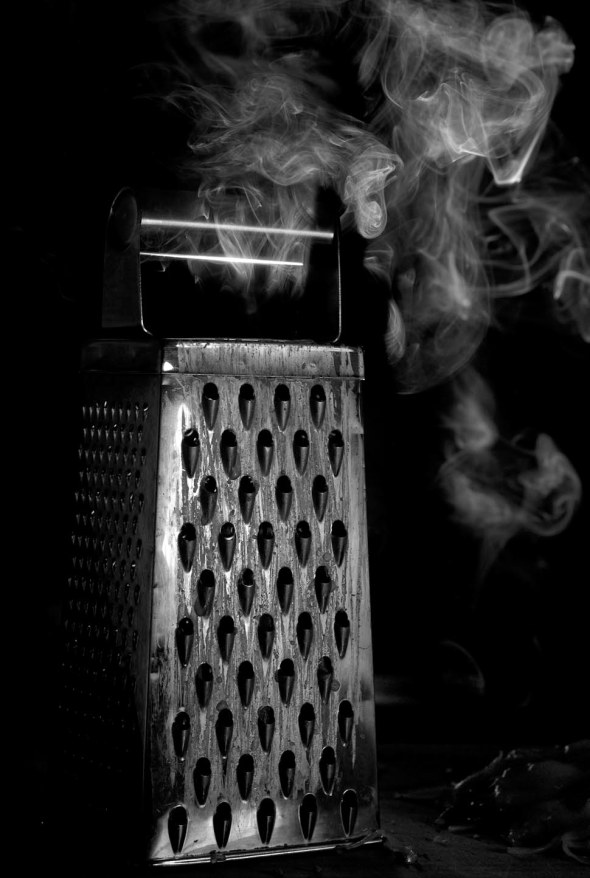 Incense Black and White
Still have to do:
Confetti Motion
Inspired by sound
Only about a week to go so will have to crank it up to get the last two done… Wish me luck
Rimutaka Hill
So I finally went out and bought a film scanner today that would let me scan 120 film since that’s what I’ve been shooting the most lately.
I bought a CanoScan 9000F which will let me scan up to 9600 DPI… Sweet… I’m not convinced my computer agrees with some pretty big files going through it tonight.
I downsized these for the blog but were originally about 250MB and that was only at 4800 DPI
Found these images from a couple of years ago of the top of the Rimutaka Hill which were taken with a 6 x 12 rollback on a 4×5 camera with a 90mm lens.
This is the hill where all the trains used to go over to get from Wellington to further north. They eventually just dug a great whopping tunnel under the whole hill so now the old rail trail is used by mountain bikers and walkers.
From memory it’s about an hour cycle up to the top through tunnels and some pretty cool countryside and they were in the process of putting in signs and information along the way which was pretty cool… Must go back some time.
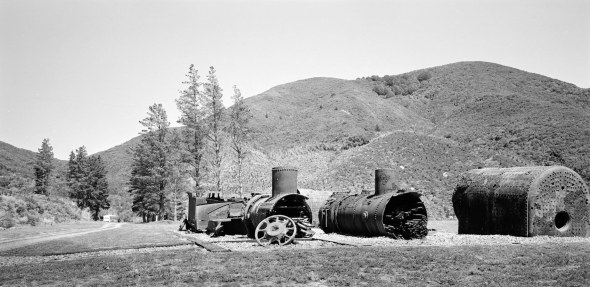
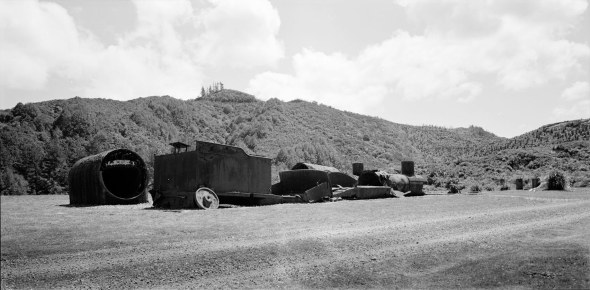 4×5 Camera with 90mm Lens and 6×12 Rollback (sorry a bit vague since was a couple of years ago)
How It Was Done: Water Drop Shot
Ok so I havent done one of these in a while and the entry’s for the Photo5 competition have closed so theoretically no one can copy this for the competition.
Anyway here is the finished image that I submitted to the competition….
Competition Brief: Eye Dropper
This brief is asking you to use your lens to look closer. Use the eye dropper to place drops of liquid in any arrangement you want. You can use a single drop, or as many drops as you like.
And you’re not limited to just water – feel free to use liquids of different colours and consistencies, such as milk or tomato soup. Just make sure you get close.
OK that seems simple enough…
I had the idea to suspend a drop of water from the head of a pin and using a slide projector somehow get an image into the drop (at this point I want to say that using Photoshop wasnt an option that I really wanted to use).
Equipment Used: Kinderman Slide Projector, Nikon D70s with 50mm f1.8, 2 x Nikon PK13 and 1 x PK12 Extension Tubes, Tripod, Cullman Macro Rail, Various supports like chairs, 1 x Pin, Bluetac and a 42″ translucent reflector (used later on)… Oh and various slides.
So I set up the projector at the same height as the camera and blasted a slide onto the drop of water (which took at least 15 minutes to get to stay on the head of the pin) which produced the following image.
Even at 1/5000th of a second this was about as good as it got… Not really the look I was going for…
Step 2: Place a 42″ reflector in front of the projector to act as a screen… At the moment the projector is about 1.5 metres away from the water droplet.
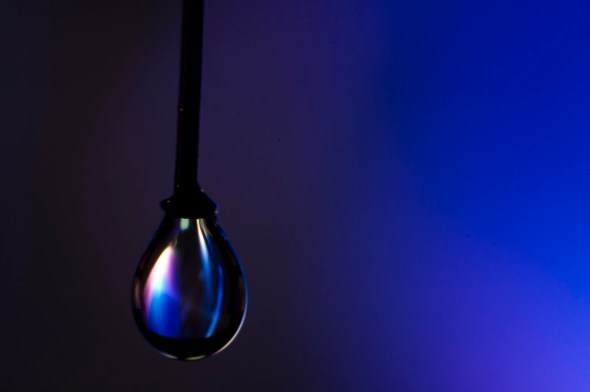 Ok at this point I stop thinking “what the heck am I doing this is never going to work I must be crazy”! And start seeing a small glimmer of hope projected down a very bright slide projector.
However still not really what I had in mind when I initially set out.
Step 3: Time to move everything back away from the projector… now about 3 metres away still with the reflector in front acting as a screen.
I keep forgetting stuff… The slide was projected onto the screen upside down so that it was right side up in the droplet.
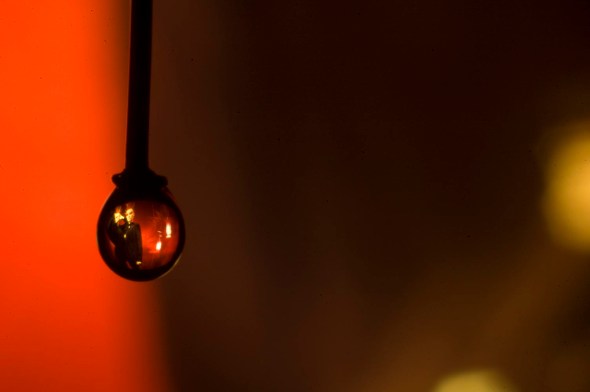 OK now we are cooking but still not quite right.
This is what the setup currently looks like (the images are from a point and shoot so sorry about quality/focus issues)
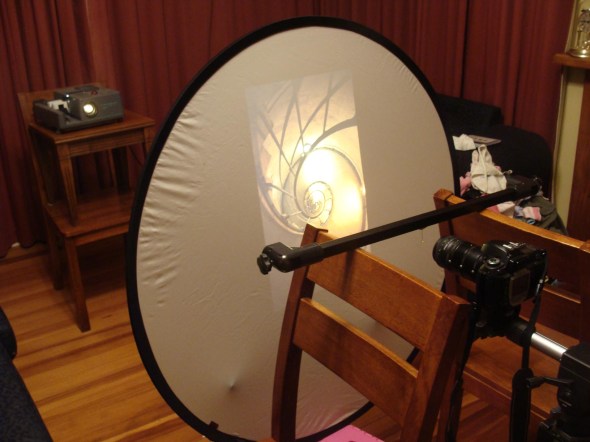 My studio is soooo sophisticated 🙂
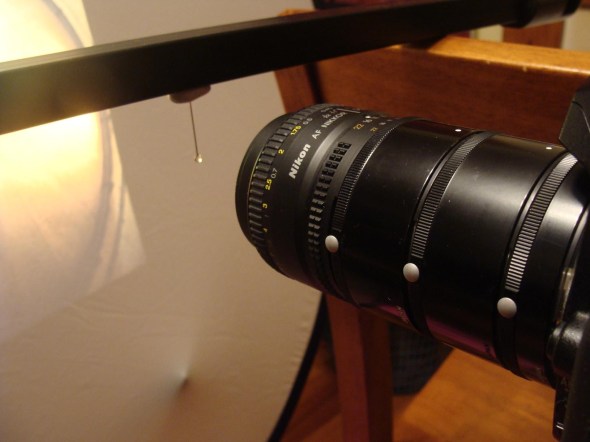 Who needs a macro lens when you have a bazillion extension tubes…
Opps almost forgot to say that I added a small pop of speedlight at the pin just to give it a bit of a catch light.
Anyway I found that by moving a reflector backwards and forwards I could alter how much of the image would appear in the drop so after a lot of stuffing round (293 images from the first shot) this is the image that I liked the best…
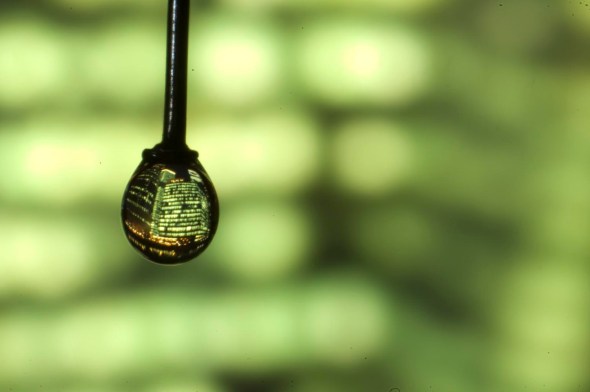 This is the file straight off the camera with no processing
With a bit of straightening and a saturation boost and not to mention all the dust removal here we go 🙂
And before I forget here is a scan of the slide that I used…
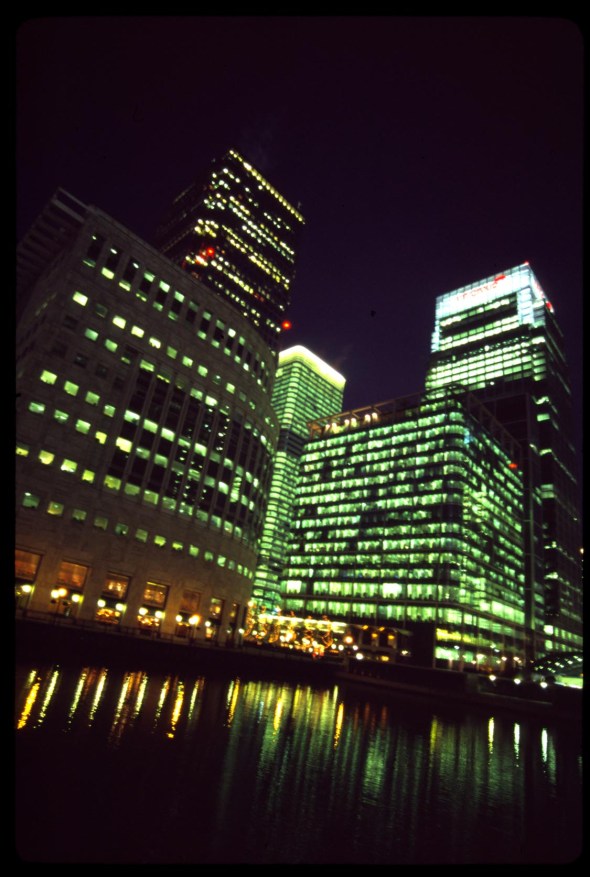
All droplet shots on Nikon D70s with 50mm f1.8 Lens with 2 x Nikon PK13 + 1 PK12 Extension Tubes.
Crossing Profile
This is one of those shots where you just look down at the viewfinder and there it is
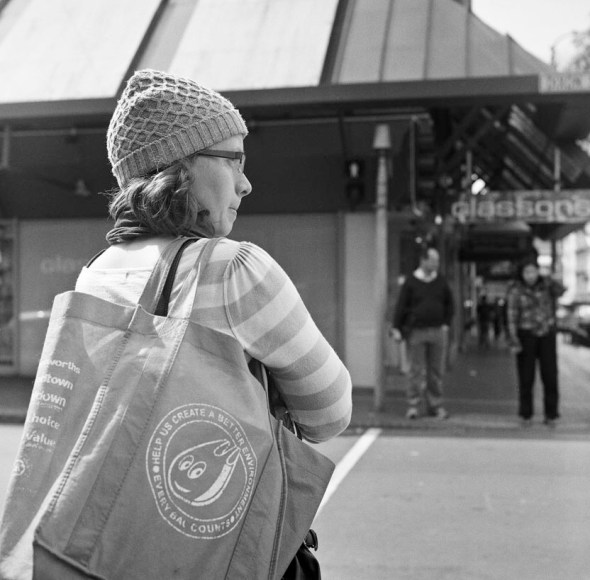 Rolleiflex 2.8 E, Ilford HP5+ 400 ISO Film.


Recent Comments